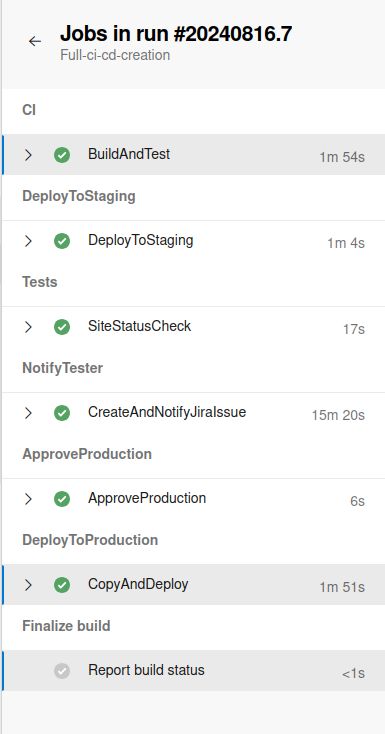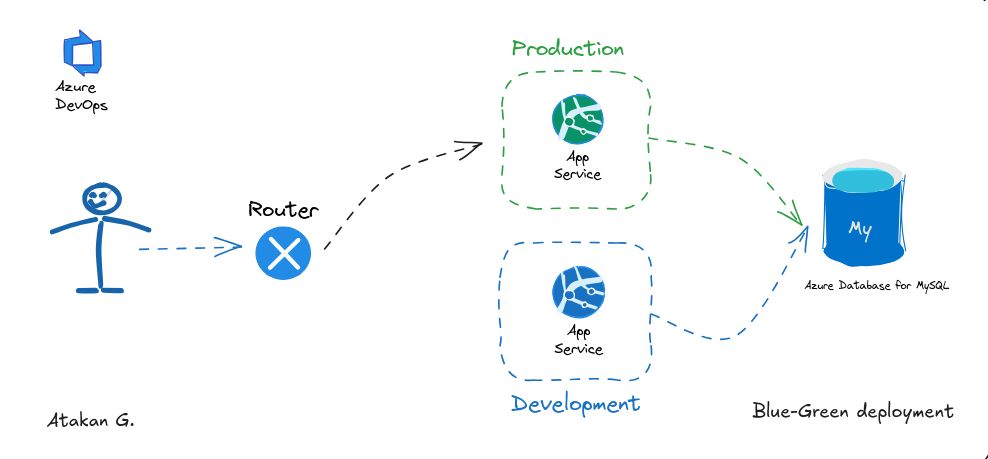
This week marked the implementation of a challenging architectural project: creating a CI/CD pipeline integrated with Jira using Azure DevOps.
The process involved navigating platform constraints, optimizing the development environment, and solving integration complexities. Here’s a breakdown of the architecture, the challenges faced, and the engineering insights gained.
Standardizing the Development Environment
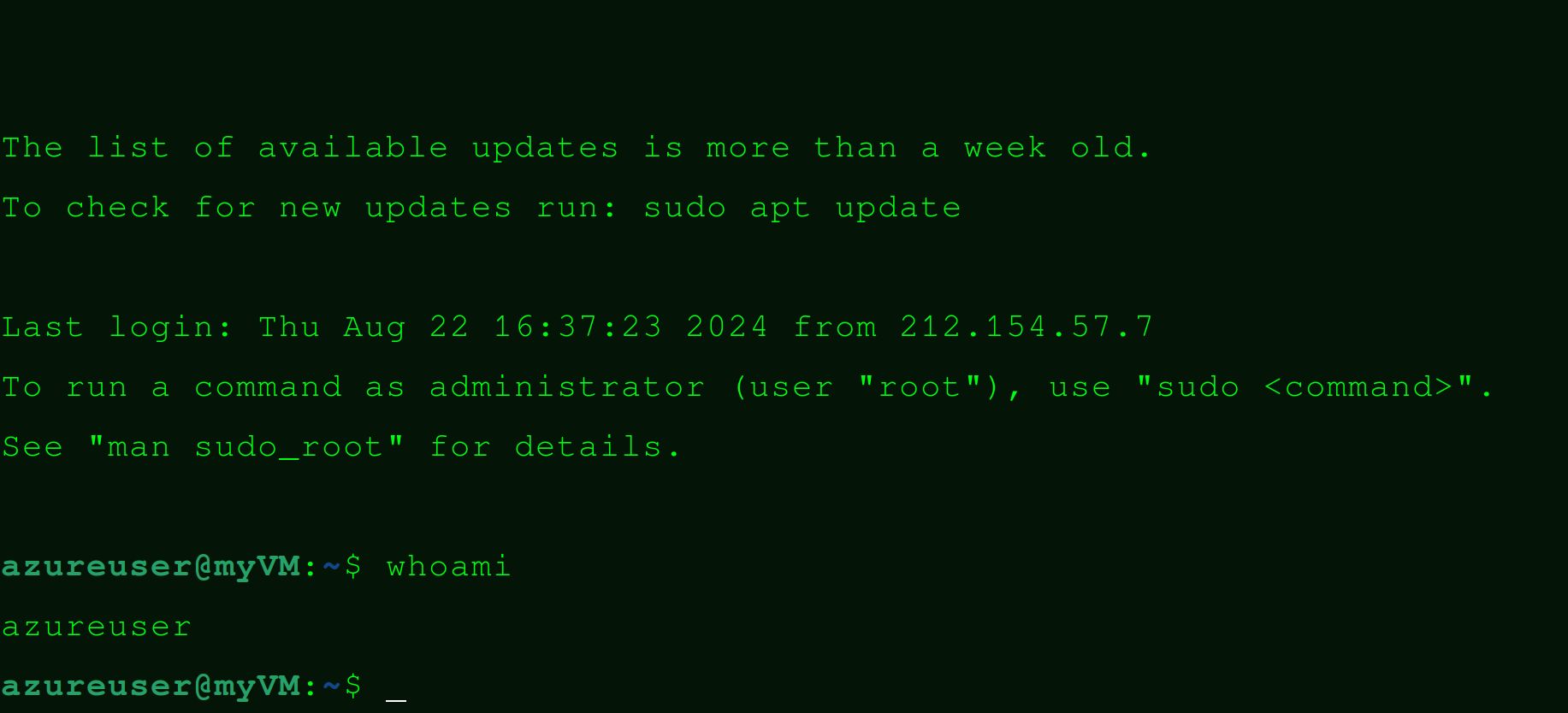
I began by configuring my development environment on a Lenovo workstation. Coming from a Linux background, working on Windows required establishing a hybrid workflow. To maintain efficiency, I set up a virtual machine (VM) running Linux, which allowed me to utilize native Linux scripting while leveraging Windows-based enterprise tools.
The Toolchain:
- Docker: Installed on both Windows and the Linux VM, allowing for seamless container orchestration across both environments.
- Azure CLI: Configured on both platforms, ensuring programmatic management of Azure resources from either environment.
- Visual Studio Code: Optimized with extensions for Docker, Azure, and remote development to bridge the OS gap.
Implementing a Local Agent
A critical challenge I encountered was a concurrency limitation in the Azure subscription, which restricted parallelism in Azure Pipelines. This was a significant bottleneck, as the pipeline architecture required running multiple tasks simultaneously to ensure efficiency.
To bypass this constraint, I architected a Self-Hosted Agent solution. This involved configuring a local machine to act as a dedicated build node. By registering this node with the Azure DevOps organization, I was able to offload the compute burden from Azure’s shared pool to my own infrastructure, effectively unlocking parallel execution capabilities without upgrading the subscription tier.
The CI/CD Pipeline Architecture
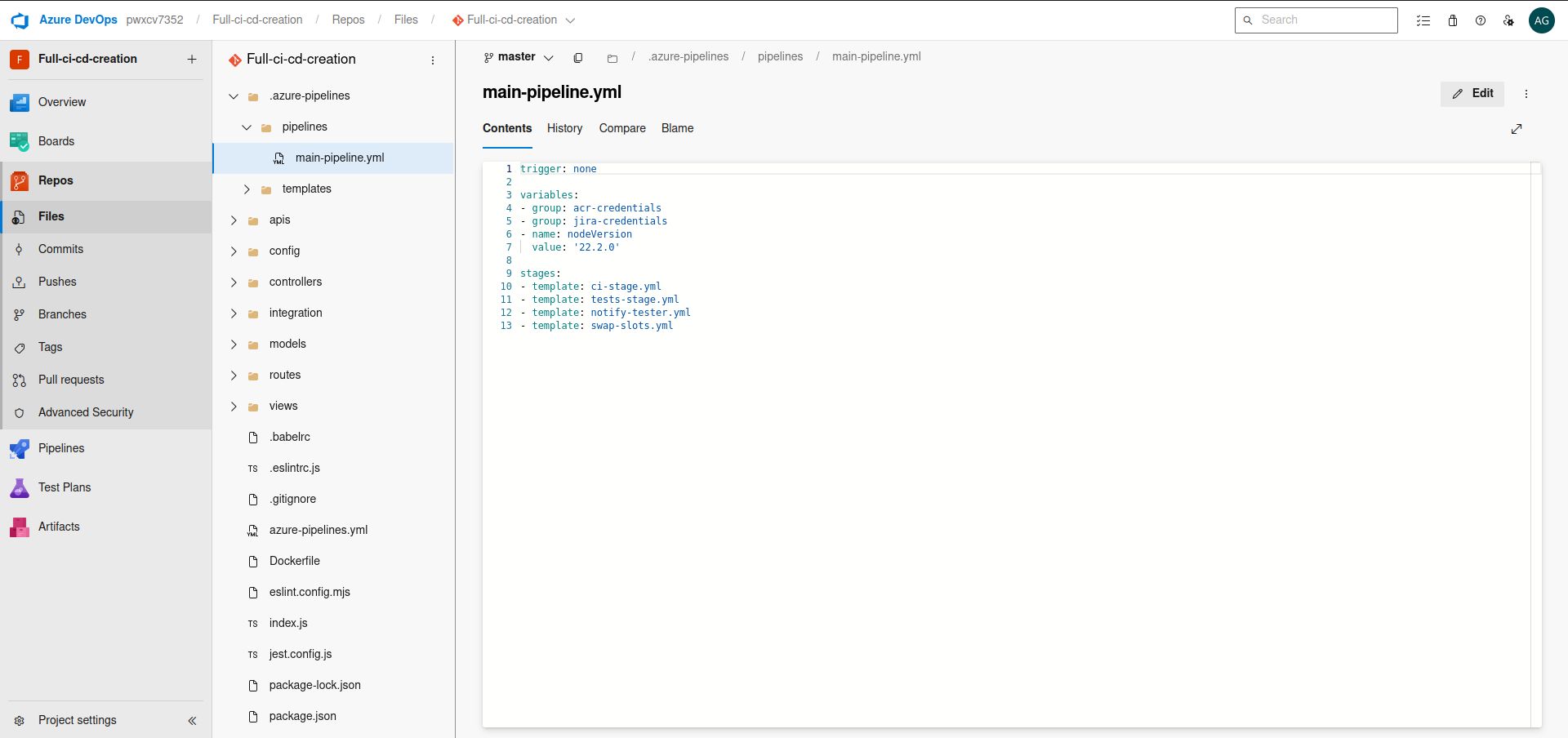
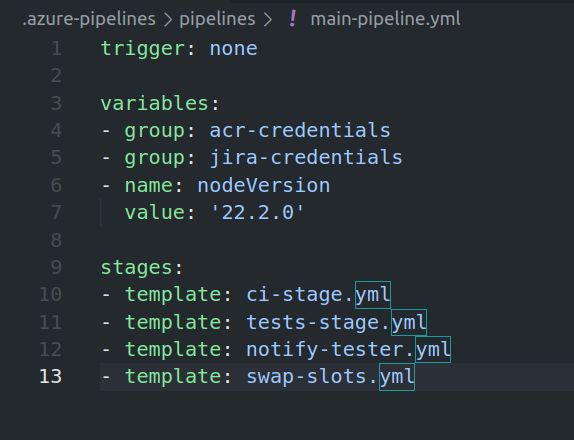
The core objective was designing a zero-downtime deployment flow. The pipeline architecture was structured as follows:
- Code commits to Azure Repos: Developers push their code to the Azure Repos repository.
- CI pipeline initiation: After a review and merge to the master branch, the CI pipeline kicks off automatically.
- Artifact creation: The CI process builds an artifact ready for testing.
- Blue-green deployment: The artifact is deployed to a development environment in Azure Web Apps, following a blue-green deployment strategy.
- Testing: Linting and basic unit tests are run to ensure code quality.
- Artifact push to ACR: If tests pass, the artifact is pushed to Azure Container Registry (ACR).
- Staging deployment: ACR triggers the automatic deployment to the staging environment.
- Jira issue creation: The pipeline creates a Jira issue to notify the tester that the build is ready for testing.
- Issue resolution: Once the tester marks the Jira issue as resolved, the pipeline continues to the next stage.
- Environment swap: The CD part swaps the staging and production environments, completing the blue-green deployment.
- Manager approval: Before the changes go live in production, the deployment requires manager approval.
Technical Hurdles
Setting up this pipeline required resolving several configuration challenges:
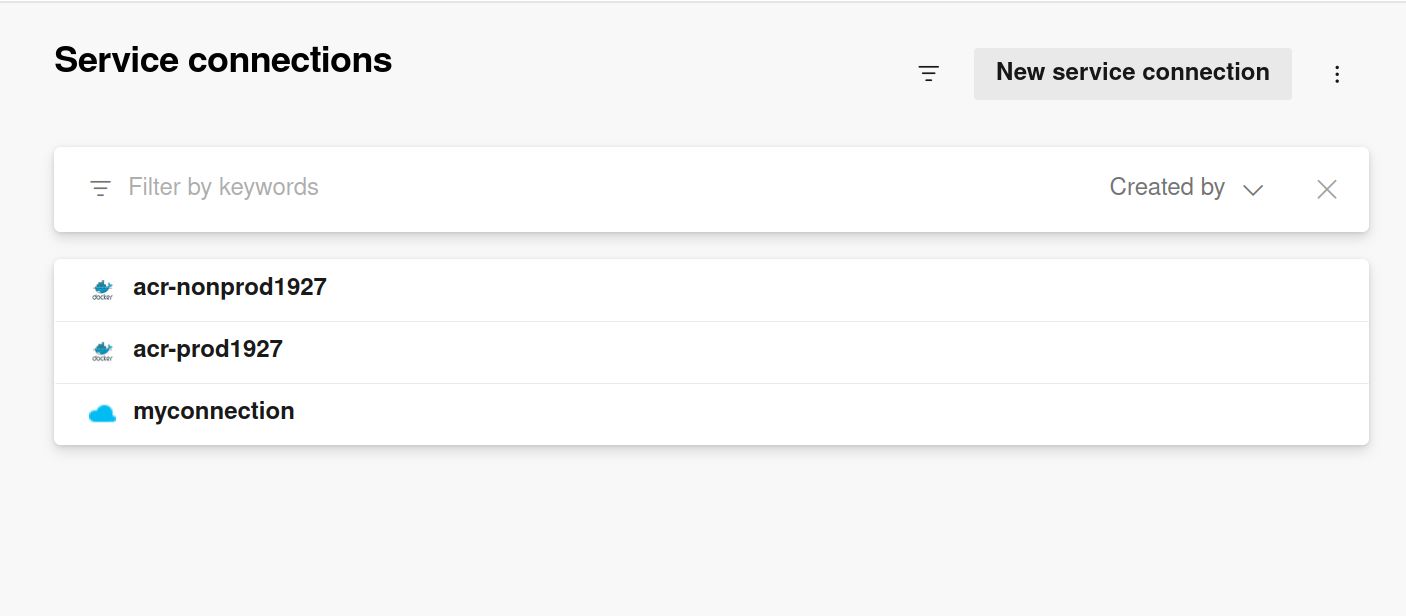
- Service Connections: Configuring service connections and service principals in Azure required precise Role-Based Access Control (RBAC). I had to dig deep into Azure’s authentication mechanisms to set the correct permissions for seamless integration between Azure DevOps, ACR, and Azure Web Apps.
- Azure Web App Configuration: Ensuring the Azure Web App exposed the correct port for the application involved iterative debugging. Resolving the ingress configuration was time-consuming but crucial for the pipeline’s success.
- Jira Integration: Integrating the pipeline with Jira for automated issue creation turned out to be complex. The API integration required precise configuration to ensure the pipeline and Jira communicated effectively.
Architectural Insights
This project provided a practical application of real-world DevOps principles. Key takeaways include:
- Blue-Green Deployment Strategy: Implementing a blue-green deployment strategy demonstrated the value of decoupling deployment from release. Setting it up provided a deeper understanding of its benefits for minimizing downtime.
- Service Integration: I navigated the complexities involved in integrating multiple services into a cohesive CI/CD pipeline. Each component needs to be meticulously configured to ensure smooth communication and operation.
- Local Agent Setup: Working around the Azure subscription limitation by setting up a local agent demonstrated how to adapt to infrastructure constraints and find alternative solutions—a valuable skill in infrastructure engineering.
Next Steps
The pipeline is functional, but there is room for optimization. My next steps include optimizing the pipeline for performance, adding more comprehensive testing stages, and improving the Jira integration to provide more detailed and automated information.
For anyone working on similar projects, I recommend getting familiar with Azure’s authentication mechanisms and spending time understanding how the different services in your pipeline communicate. It’s these details that determine the stability of a CI/CD pipeline.